Pages

Showing posts with label desktop. Show all posts

Tuesday, May 5, 2015

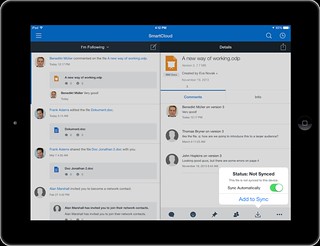
IBM Connections Adds Secure File Sync and Share Offering On-premises

View Comments
Following the release last quarter of our secure file sync and share offering in cloud, today we have just released the equivalent offering for those customers who would like to deploy this on premises. This new offering gives customers a new way to buy IBM Connections and get just the Files portion of the platform. This makes it easy to get started and customers can grow and buy the entire IBM Connections suite once they are ready to use other capabilities such as Communities, Forums, Ideation, etc.

The capabilities have already been highly praised by analysts such as Forrester and OVUM. In fact, check out this report from OVUM to find out why IBM Connections is a strong candidate to provide all the benefits and features an enterprise user might need from a file sync and share solution.

This offering includes:
  • Mobile apps for iOS and Android
  • Desktop plugins for Microsoft Windows and Mac (including integration into Microsoft Office 365 Desktop apps such as Word, PowerPoint, Outlook and Excel)
  • External file sharing (ie. share files with people outside of your organization)
  • Share files with individuals or groups
  • Lock files for editing to prevent conflicts
  • View files online without having to download
  • Control who can view/edit your files and who can re-share them 
  • View who has downloaded your files and which version they have
  • See how the file has been shared throughout your organization
  • and more... ! 
Available add-ons:
  • Compliance and Governance support 
  • Real-time co-editing of files without downloading 
Here's a demo of the plugins and mobile apps in action:


Enjoy!

Thursday, March 12, 2015

Updated Desktop Plug-Ins Available Today and New Features Coming to IBM Connections Cloud Next Week

View Comments
As mentioned in a previous entry, we released a File Sync and Share only offering earlier this week. Today, I have some good news.  Today we have released the latest version of our desktop plugins for Mac and Windows in prep for the new feature that will start appearing in IBM Connections Cloud next week.

This month's release continues to focus on our file sharing and sync capabilities. This release also introduces new features to help teams better organize their communications. Here's a sampling of the new features:
  • Team sites and communications
    • Rename apps (e.g. rename Wikis to Documentation)
  • File sharing and sync
    • Drag-n-drop target to upload files
    • Add multiple files to sync at once
    • Mac plug-in: ability to specify file extensions to ignore, enable beta features (if you like living on the edge!), and turn on/off logging for troubleshooting purposes
    • Federated authentication support (SAML) for Mac/Windows (cloud only)
  • Mobile
    • IBM Docs support in iOS (view and co-edit documents). Watch out for an update to the app
    • Citrix support for iOS and Android
    • MobileIron support for Android.
  • Rich text editor
    • Ability to sort data in tables in the rich text editor
    • Permament Pen - those of you used to Verse or IBM Notes will recognize this feature. This allows you to set a custom style so that when you revise content (e.g. wikis) all your markup is done in a specific color/font/style
As mentioned above, you can now sort the data in tables within the rich text editor as you can see below:


I've also created a presentation that shows the new features in this release:


For more details on what's new in the March 2015 release, check out the documentation here.

If you've missed what we've released in previous months, check out the history of new features here.

Tuesday, March 10, 2015

IBM Creates File Sharing and Sync only offering and it's available today

View Comments
Fresh off the presses! The IBM Connections Files cloud offering is now available in our cloud.  If you are already an IBM Connections customer there's nothing for you to do. However, if you've been thinking about starting with IBM Connections, this might be a good place to start as you get just the core file sharing and sync component of IBM Connections and then upgrade to full the IBM Connections suite as your team needs more capabilities.

IBM Connections Files Cloud is a new standalone cloud service that combines the ability to share files with internal and external users with the ability to synchronize users' files across their own devices. Small to medium businesses, line-of-business departments, or corporate IT can sign up easily and start using the service immediately. The familiar browser interface, desktop clients, and mobile applications provide simple ways to get to the most important files and keep them in sync with other users and devices. Each user gets 1TB of space and administrators can always get more as needed.

Check out Ovum's report on why IBM Connections file sync and share is a leader in this space.

IBM Connections Files on Cloud empowers organizations to increase productivity, make speedier business decisions and enhance innovation:

  1. One place for enterprise file storage, sharing, and syncing plus social – find experts, see profiles, post status updates, find content with tags and more.
  2. Securely access files anytime, anywhere, on any device.  Create, share, find, store, review, and even edit online and offline, all in a security rich environment, designed to meet IT needs
  3. Simple collaboration inside and outside your organization. Easily and instantaneously share files with colleagues, partners, clients and suppliers.
  4. Robust access control.  You decide who can read and edit files with role level access control.  The included Profiles capabilities allow you to find and connect with colleagues via their business card and contact information.
  5. More value for your money. You get market leading file sync and sharing capabilities PLUS the benefits of key social collaboration capabilities at a lower price than many other vendors.

Here's a demo I did recently that shows the IBM Connections file sync capabilities on a Mac:


To start a free trial, go to http://ibmcloud.com/social

Thursday, November 20, 2014

IBM Connections File Sync Plug-In for the Mac Is Now Available

View Comments
While #IBMVerse 's ability to drive a #NewWayToWork has taken the spotlight this week, there's more goodies to talk about today.  First, we are in the midst of rolling out some cool new features to our cloud.

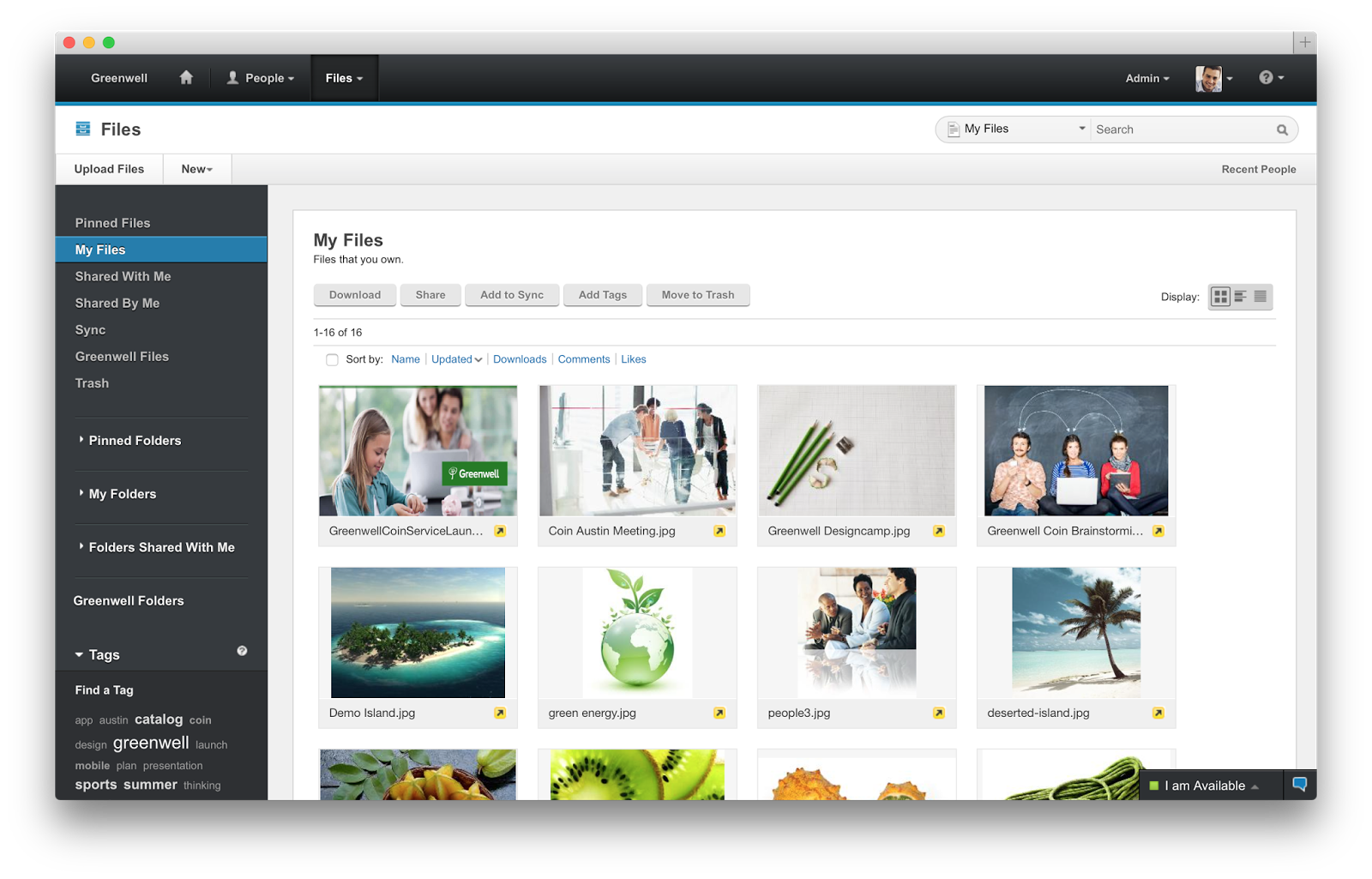
One of the biggest new capabilities being rolled out is that today, is the day that IBM Connections Social Cloud customers can start using file sharing and sync from their Mac desktops / laptops.  This was something I had announced was coming earlier in the year when I had a chance to participate in the Social Connections event in Prague.  Since then, we started a beta and the feedback has been very positive. Therefore, we've decided to make this generally available today. With this new plug-in you can:
  • Get notifications instantly on the desktop or mobile when there is a change to a file
  • Upload files from your Mac without having to open a browser
  • Share uploaded files with your colleagues
  • Work on files locally and save directly to Connections
  • Lock a file to prevent file conflicts

To see it in action, check out this quick 2 minute demo:


Next, very soon we'll publish the IBM Connections Desktop Plug-In for Microsoft Windows to streamline the install experience for cloud users. Additionally, IBM Connections Content Manager (CCM) users can now do round-trip editing. This means that while they are browsing for files in a Library, users can click on "Edit" in the browser and the file will open with the user's favorite local editor. For example, a Word document, will be opened with the desktop app of Office 365. When the user is done editing, they simply close the local app and the file is then automatically saved and uploaded back to server.

But wait... there's more!

And lastly, we've also updated the IBM Connections app for desktop version of Microsoft Outlook (even if you are using Office 365). This new release features:
  • IBM Connections 5.0 Support
  • Community Folders
  • Metrics - view usage data for file and folder view access
  • @mentions - Enter names preceeded by @ for lookup and display as rich links
  • Support for hashtags - Enter tags preceeded by # to display as rich links
  • Open an editor to view an IBM Docs file
  • View stream updates using additional filters
The plugins are now available in the app catalog and you can download them at no additional cost from the links above. 
Wednesday, October 8, 2014

5 Can't Miss Features of IBM Connections

View Comments
About two weeks ago, I was asked to present to a group of internal IBMers tips and tricks to get the most out of IBM Connections, our social collaboration platform.

I actually reached out to my internal network and asked for suggestions on a good topic. Quickly, I realized that everyone had their own favorite feature or aspect of the product.

That got me thinking that maybe it's worth me putting together a quick presentation that shows people how I get the most out of the product to improve my productivity.

Then it got hard. How could I pick just a handful of things where IBM Connections makes my life easier ?

I had to iterate a couple of times.  In the end I decided that a good way to format it would be to focus on 5 integration aspects that maximize the value I get out of the product.

Check out the slides that I took them through:


Do these match what you would've presented?

Thursday, September 18, 2014

More IBM Connections Social Features Now Available Inside Microsoft Office

View Comments
As you may know, we are now releasing new updates to the desktop plug-ins on a monthly basis. This month's release brings some cool new features to those of you working with Microsoft Office Desktop apps (even if you use the desktop apps with Office 365).

For some time now, we've had integration into Microsoft Office (Word, PowerPoint, Excel, and Outlook) via the ribbon.  Today, we've added new functionality to the ribbon.


With the new features, you can now do the following directly from Microsoft Office:

  • Lock a file to prevent others from editing while you make changes
  • Share the file and add others as readers or editors
  • View version history
  • View download history/audit log
  • Like, pin, and follow

Check out this quick 2 minute demo that I created to show some of the new functionality:


To download the latest plug-in you can get it from Apps - Downloads on your cloud deployment, or from our app catalog here.